![Square 1000x1000.png]](https://faq.carts.guru/hs-fs/hubfs/Square%201000x1000.png?width=80&height=80&name=Square%201000x1000.png)
Steps to delete a group of contacts
1. Access the Contacts section
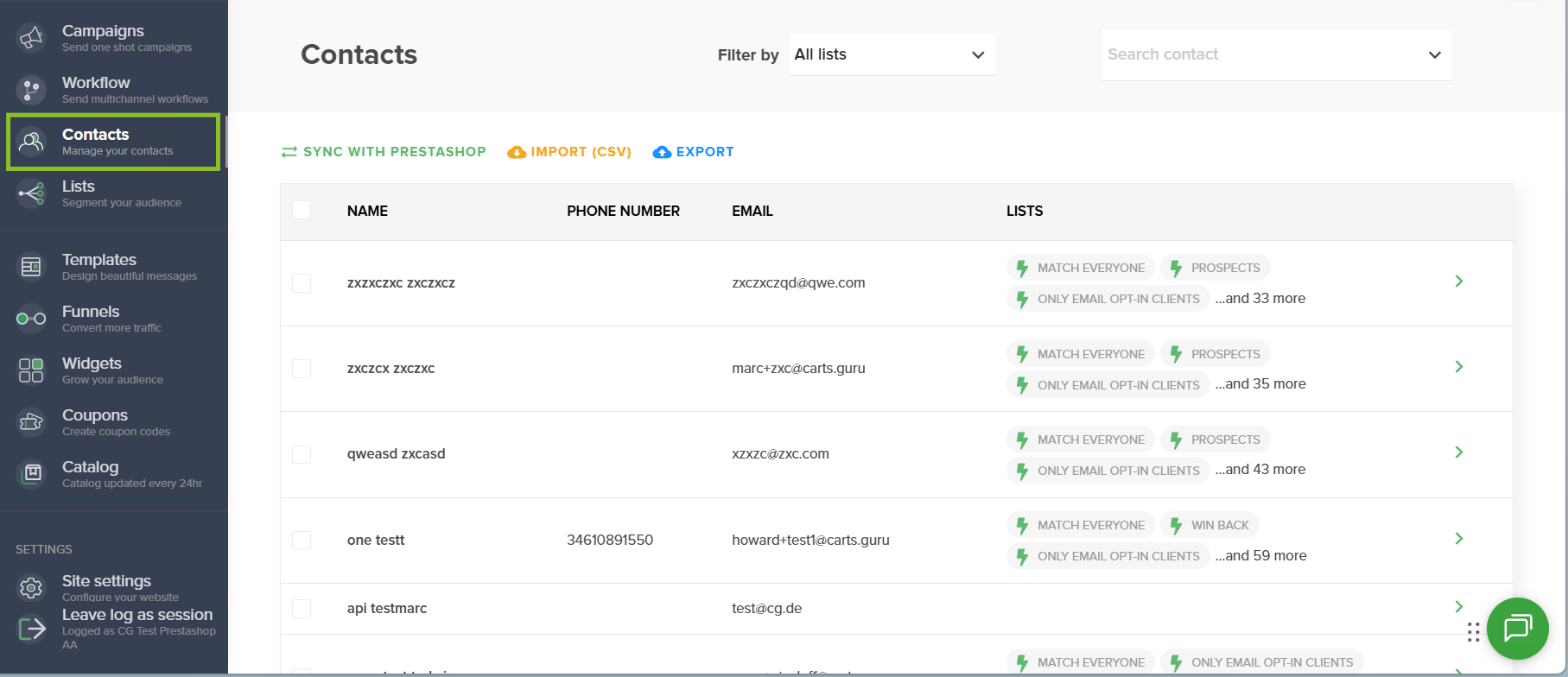
From your Carts Guru interface, click on your website icon located on the left side of the screen to open the navigation menu. Then, select Contacts.
2. Select the contact list to delete
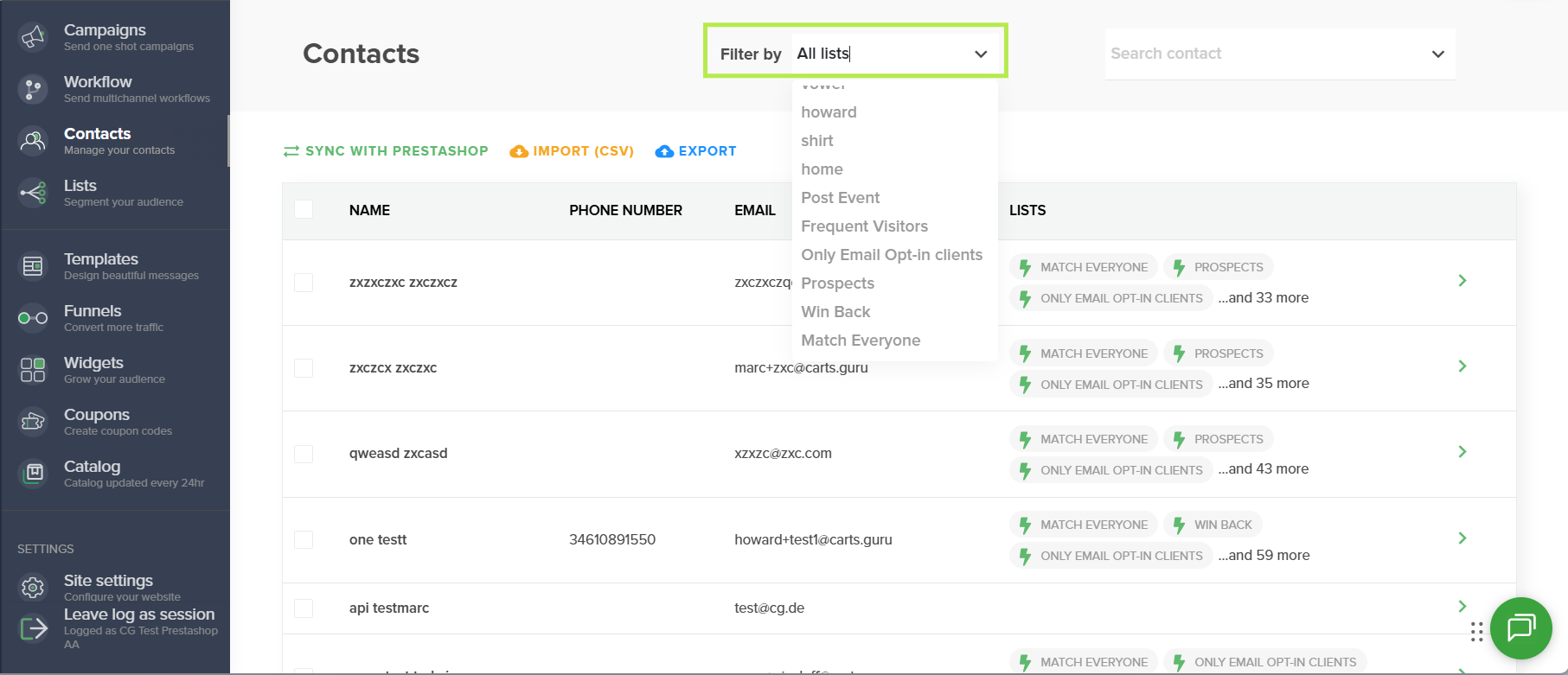
In the Contacts section, use the Filter by menu to display the contact list you want to delete. You can select the relevant contact list or group before proceeding with the deletion.
3. Select the contacts to delete
Once the list is displayed:
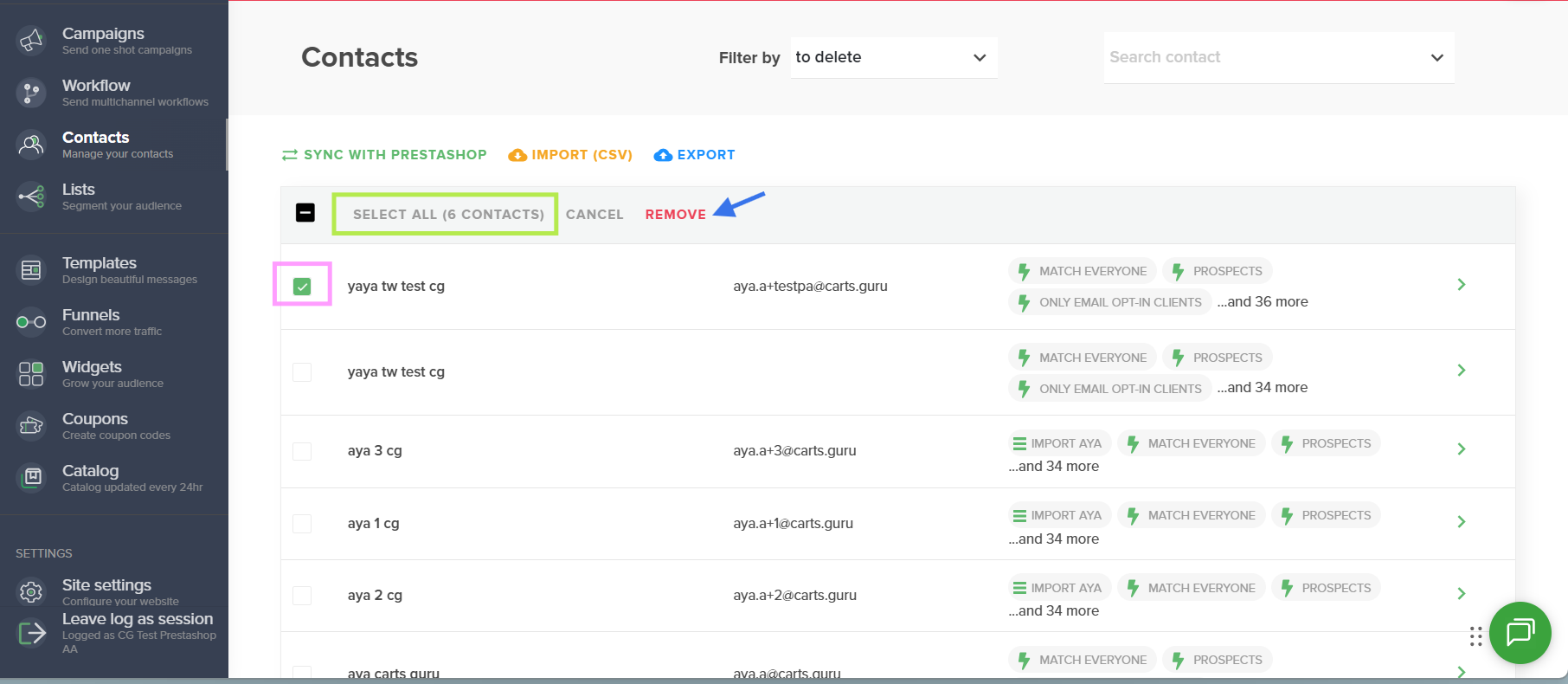
- Check the box next to each contact you want to delete;
- Or click Select all if you want to delete all contacts displayed in the list.
After selecting the relevant contacts, click the red Delete button located in the top action bar.
Result
The selected contacts are removed from your database. Make sure to review your selection before confirming the deletion to avoid accidentally removing the wrong contacts.