![Square 1000x1000.png]](https://faq.carts.guru/hs-fs/hubfs/Square%201000x1000.png?width=80&height=80&name=Square%201000x1000.png)
To add a credit card:
- Go to app.carts.guru and log in.
- On the bottom left side of the menu-bar, go to Account -> Account -> Billing.
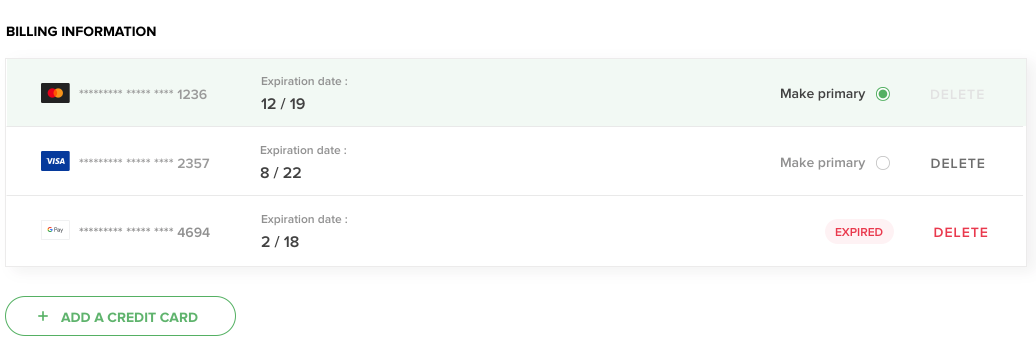
- Scroll down to Billing Information and click Add A Credit Card.
- Fill in the form with your credit card details.
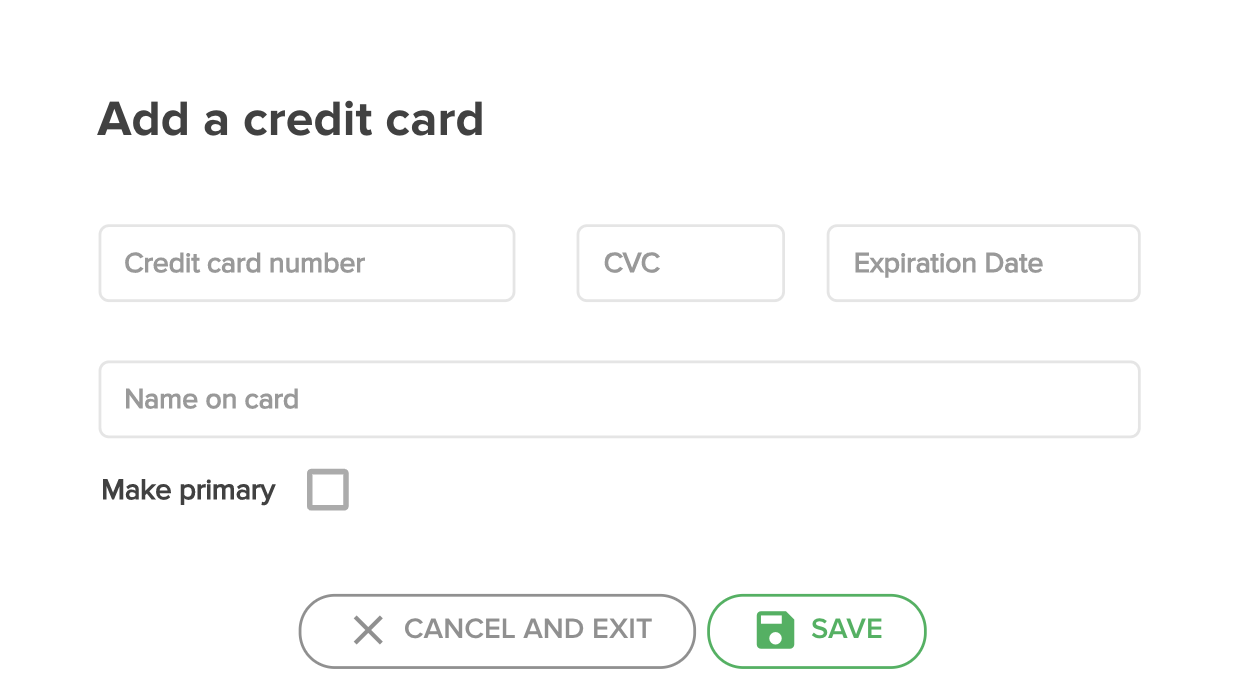
- Click Save!
To delete a credit card, just hover your mouse over the red delete button and click on it.