![Square 1000x1000.png]](https://faq.carts.guru/hs-fs/hubfs/Square%201000x1000.png?width=80&height=80&name=Square%201000x1000.png)
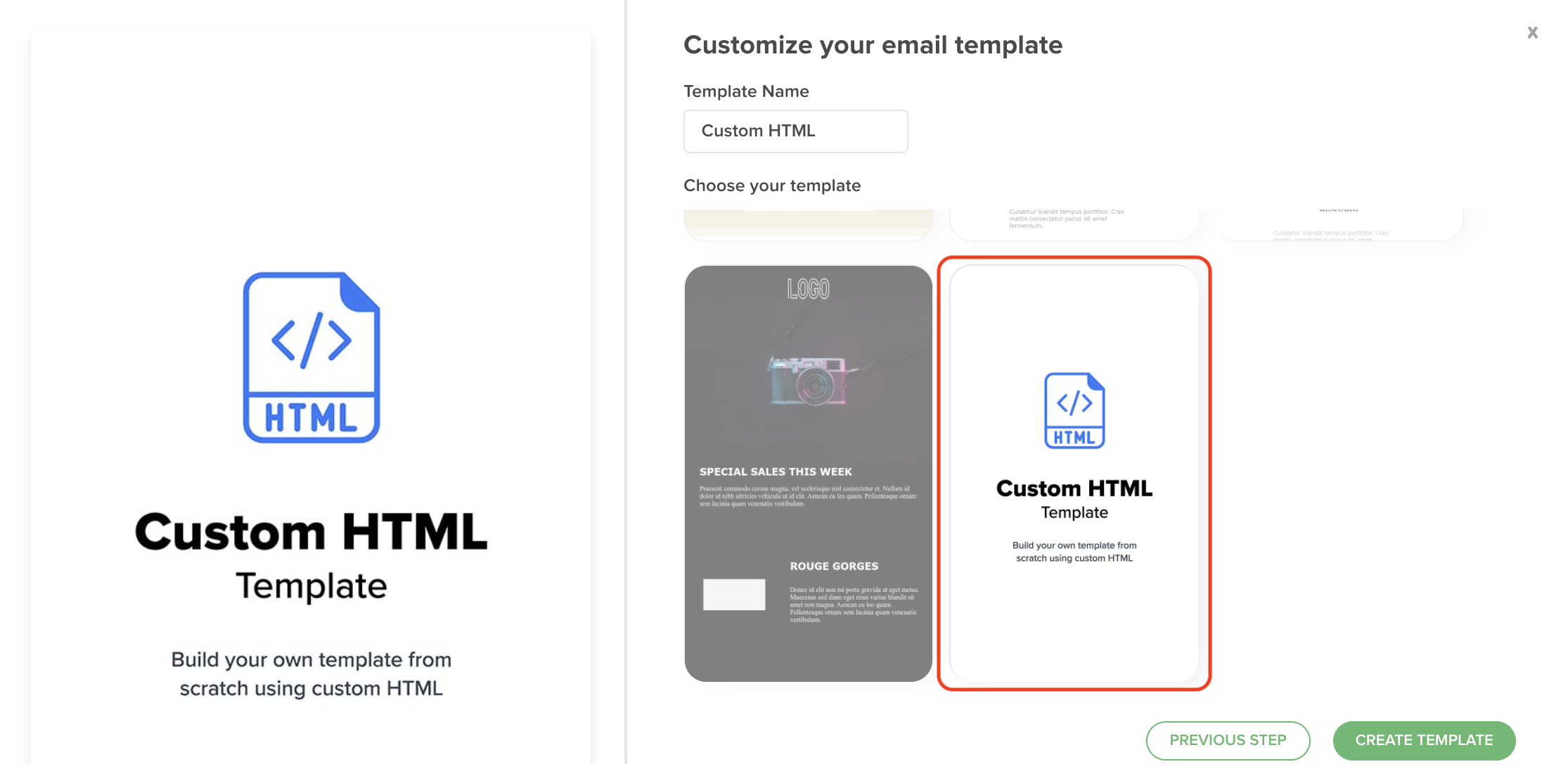
If you want to use your existing email templates, you can import the HTML code into Carts Guru. If you’re good at HTML, you can even code a new template from scratch. To do that, go to templates => email => select a use case => select “HTML”
To personalize your HTML emails, you will need to use some tags. Carts Guru provides a list of tags you can use in your templates (see below).
We recommend to always use {{contact.firstname}} and {{email.unsubUrl}}. Then, feel free to add as many additional tags as you want!
- Contact:
- Contact first name
{{contact.firstname}} - Contact last name
{{contact.lastname}}
- Items (products or services):
- Total price of the item - all taxes included
{{item.totalATI}} - Label of the item
{{item.label}} - URL of the image
{{item.imageUrl}} - URL of the item
{{item.url}} - Item source
{{item.src}} - Price of the item
{{item.amount}} - Quantity of items in the cart
{{item.quantity}} - Item currency
{{item.currency}}
- Cart:
- Cart total - all taxes included
{{basket.totalATI}} - Cart recover URL
{{basket.recoverUrl}} - Recover URL with encapsulated discount
{{discountRecoverLink:XXXX}} - Cart currency (ex: EUR, USD, etc...)
{{basket.currency}}
- Others:
- Opt-out link
{{email.unsubUrl}}
1. Variables regarding general cart information:
- How to display the currency (EX: ‘EUR’, ‘USD”, etc…) =>
{{basket.currency}} - How to display the total amount of the cart =>
{{basket.totalATI}} - How to use the cart recovery link =>
{{basket.recoverUrl}} - How to display your customer’s name =>
{{contact.firstname}} - Link so that your customer can unsubscribe =>
{{email.unsubUrl}}
2. Variables regarding item information:
To display all your item information, you have to add your html inside this tag.
{{#each basket.items as |item itemKey|}}
- How to display the product price =>
{{item.totalATI}} - How to display the product quantity inside the cart =>
{{item.quantity}} - How to display the product name =>
{{item.label}} - How to display the product currency =>
{{item.currency}} - How to use the product image url =>
{{item.imageUrl}} - How to use the product url =>
{{item.url}}{{/each}}
3. Variables regarding product recommendations:
To display all the product recommendations information, you have to add your html inside this tag.
{{#each basket.similarProducts as |item itemKey|}}
- How to display the product price =>
{{item.totalATI}} - How to display the product quantity inside the cart =>
{{item.quantity}} - How to display the product name =>
{{item.label}} - How to display the product currency =>
{{item.currency}} - How to use the product image url =>
{{item.imageUrl}} - How to use the product url =>
{{item.url}}{{/each}}
4. Variables regarding custom properties
To display variables that you send through a custom property.
- custom property on carts =>
{{basket.custom.XXX}} - custom property on contacts =>
{{contact.custom.XXX}} - custom property on orders =>
{{order.custom.XXX}}
5. Variables regarding discounts
To display your coupons code.
- Dynamic Discount =>
{{discount:XXXXX}}