![Square 1000x1000.png]](https://faq.carts.guru/hs-fs/hubfs/Square%201000x1000.png?width=80&height=80&name=Square%201000x1000.png)
If you want to know more about improving your email deliverability, read this article.
To authenticate your domain, read this article.
Add or change your domain's name
1. On the left side-bar, click on your website's icon and go to Site Settings
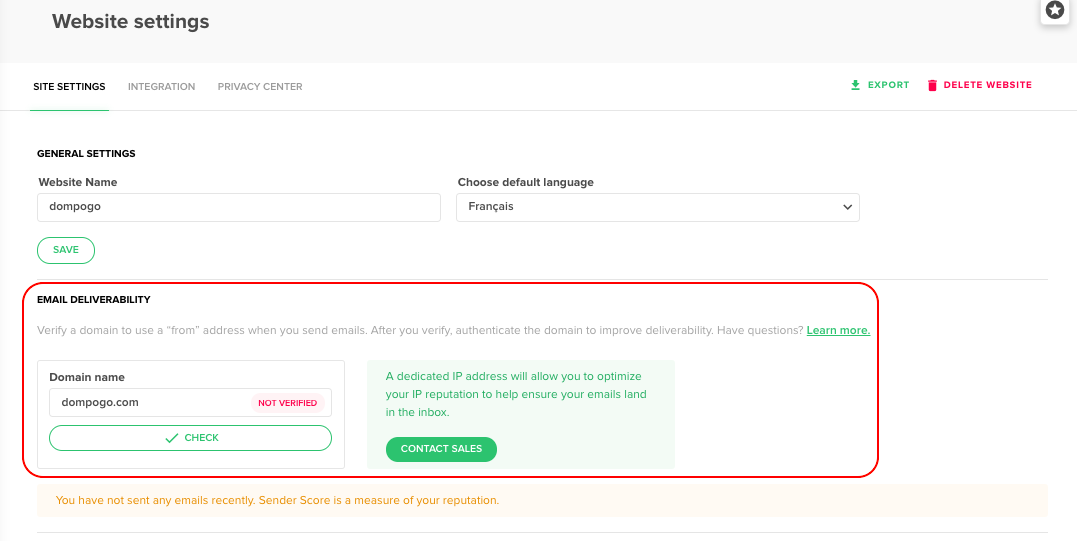
2. Under Email Deliverability, you will see the Domain name section
3. Simply click in the section and write your Domain name
4. To delete your Domain name, just click on the delete button next to the field