![Square 1000x1000.png]](https://faq.carts.guru/hs-fs/hubfs/Square%201000x1000.png?width=80&height=80&name=Square%201000x1000.png)
Requirements:
- Magento 2
- Access to install new plugins/modules
- Access to run Magento CLI commands
- Carts Guru's distributed ZIP archive of the new plugin available here
Warning:
Make sure to test in a staging or testing environment first. You have to declare the staging/testing on your Carts Guru account.
Instructions:
Step 1: Uninstall the old
Step 2: In case you installed the old plugin via Composer
Execute the following command in order to check if the old plugin is still installed
If yes, then proceed to a full uninstallation of the plugin using this command
Step 3: Install the new
- Extract the code of the ZIP file into a folder under the app/code path in your Magento instance (such as app/code/Cartsguru/).
- Set system permissions for the folder and all contained files accordingly.
- From within the above-specified folder, execute the following commands:
-
php bin/magento setup:upgrade
-
php bin/magento setup:static-content:deploy
-
php bin/magento setup:di:compile
-
php bin/magento cache:flush
-
At this point, the Carts Guru Magento 2 module has been successfully installed and is ready for configuration!
Step 4: Configure the module
- Open the main page of the Carts Guru Module
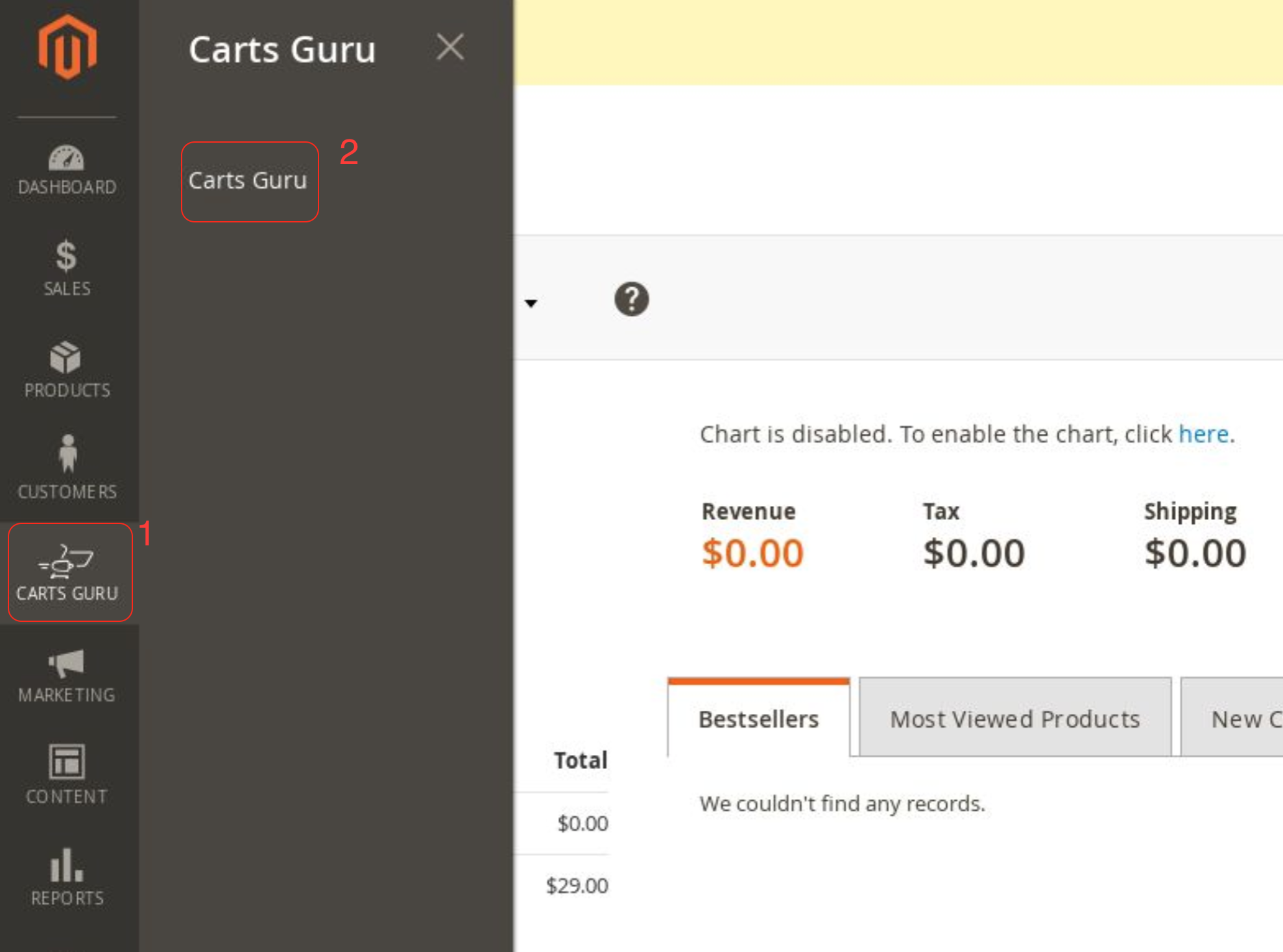
- Check the scope where you want to enable Carts Guru
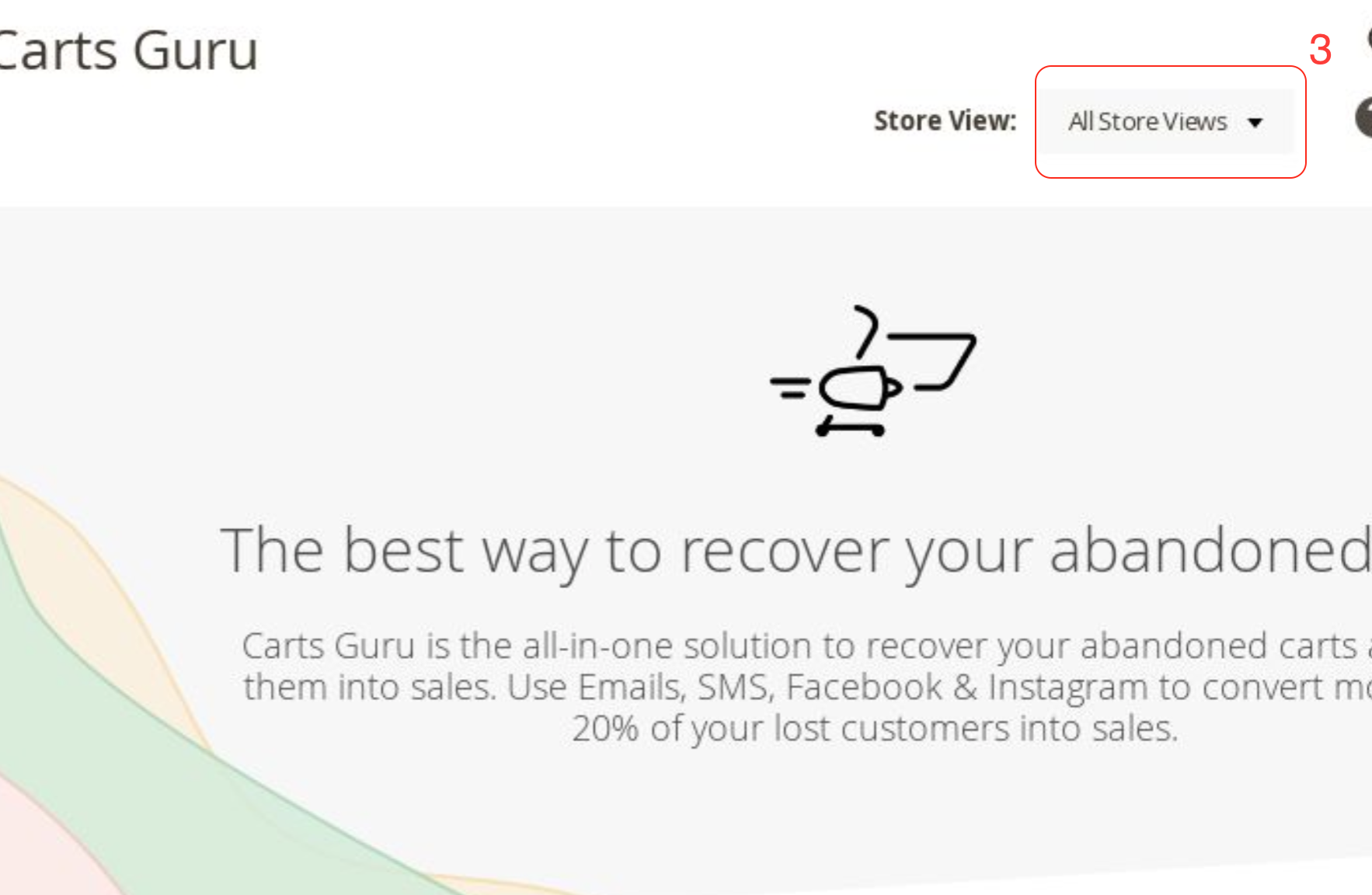
- Select 'I have an account'
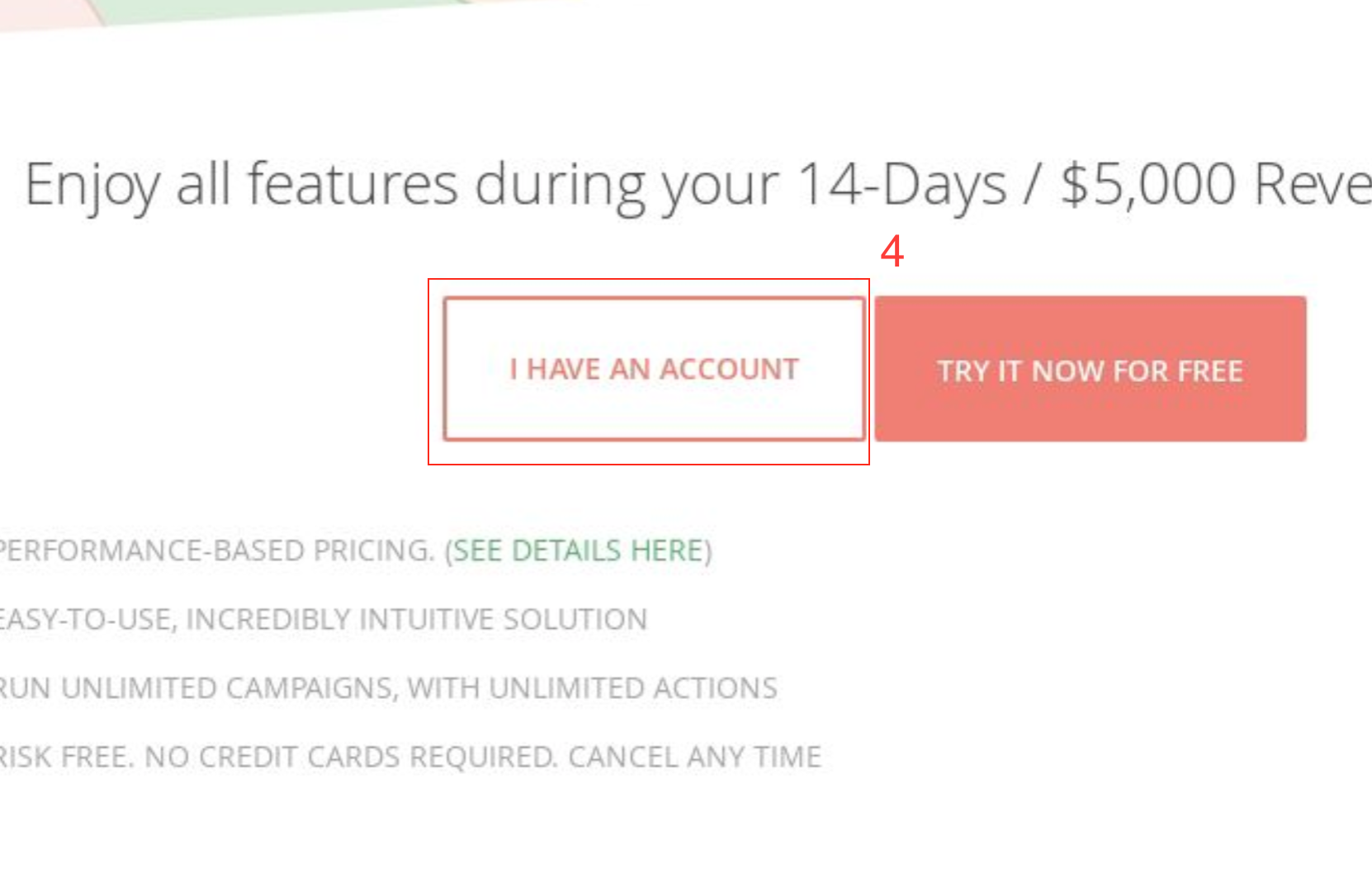
- Fill SiteId and the auth key and validate by clicking on 'Connect it now'
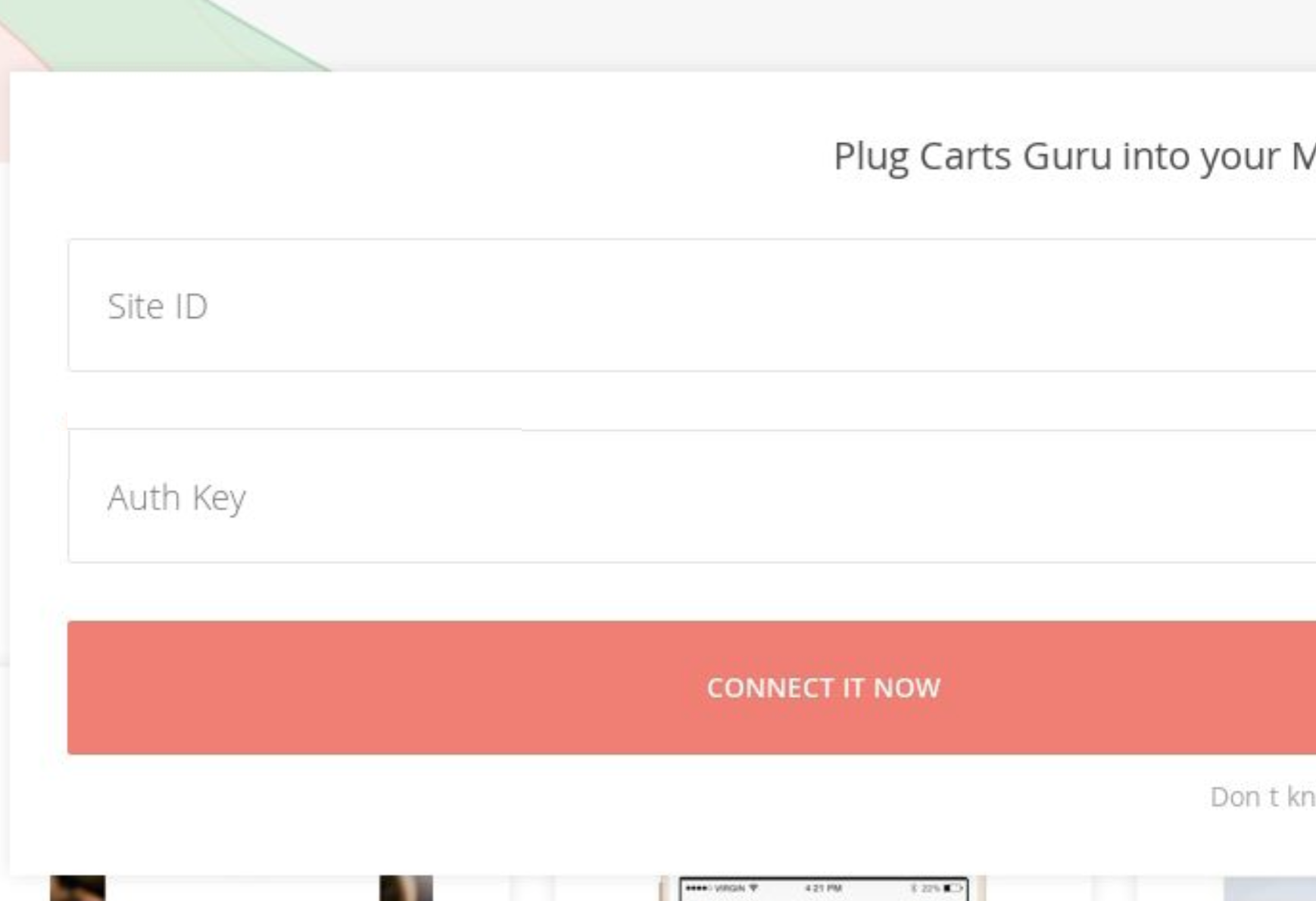
- You're done!