![Square 1000x1000.png]](https://faq.carts.guru/hs-fs/hubfs/Square%201000x1000.png?width=80&height=80&name=Square%201000x1000.png)
For Event Trigger workflow, you can set up re-enrollment criteria.
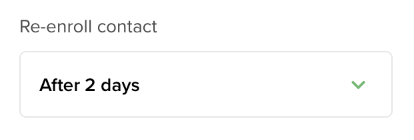
Below are the options you can choose from:
- Always
- Never
- 1 day
- 2 days
- 1 week
- 2 weeks
- 3 weeks
- 4 weeks
Whether you want to re-enroll a contact or not depends on whether they meet the workflow conditions once again in the future.
If you choose:
- Never, the contact goes through the journey one time only and will never re-enter in the future.
- Always, the contact will enter the journey at all times.
- If you choose a specific timing (from 2 days to 4 weeks), the contact might re-enter the journey only if:
- the previous journey has been terminated and timeout expired (order binding).
- the previous journey has reached the latest action (= no more action can be sent) and the time since the last action is more than the frequency value.